


• NotionYour AI workspace
  • Notion Calendar
  • Notion Mail
  • Notion AIAI tools for work
  • AgentsAutomate busywork
  • Meeting notesPerfectly written by AI
  • Enterprise SearchFind answers instantly
  • Knowledge baseCentralise your knowledge
  • DocsSimple and powerful
  • ProjectsManage any project
  • ConnectionsConnect your apps
  • SecuritySafe and scalable
. See what’s new→
Download the Notion App→
  • AI features
  • Notion AIAI tools for work
  • AgentsAutomate busywork
  • Meeting notesPerfectly written by AI
  • Enterprise SearchFind answers instantly
  • Explore use cases
  • For work
  • For life
  • Teams
  • Eng & Product
  • Design
  • Marketing
  • IT
  • Company size
  • Startups
  • Small businesses
  • Enterprise
  • Use cases
  • Education
  • Personal
  • Professional
  • AI use cases
  • Browse
  • Templates
  • Consultants
  • Connections
  • Discover
  • What’s new
  • Customer stories
  • Blog
  • Webinars
  • Learn
  • Developers
  • Academy
  • Product tours
  • Help
DevelopersEnterprisePricingRequest a demo
Get Notion freeLog in
  1. Help centre
  2. Help docs
  1. ← Help Docs

10. Data & integrations

Data & integrations
In this chapter

Notion makes it easy to connect and move content to and from other tools you use. Integrate Notion with other apps natively, or build your own integrations with our API!


Articles

Import data into Notion

If your docs, notes, and spreadsheets are spread across different apps, you can bring them into Notion to keep everything in one place 🚚

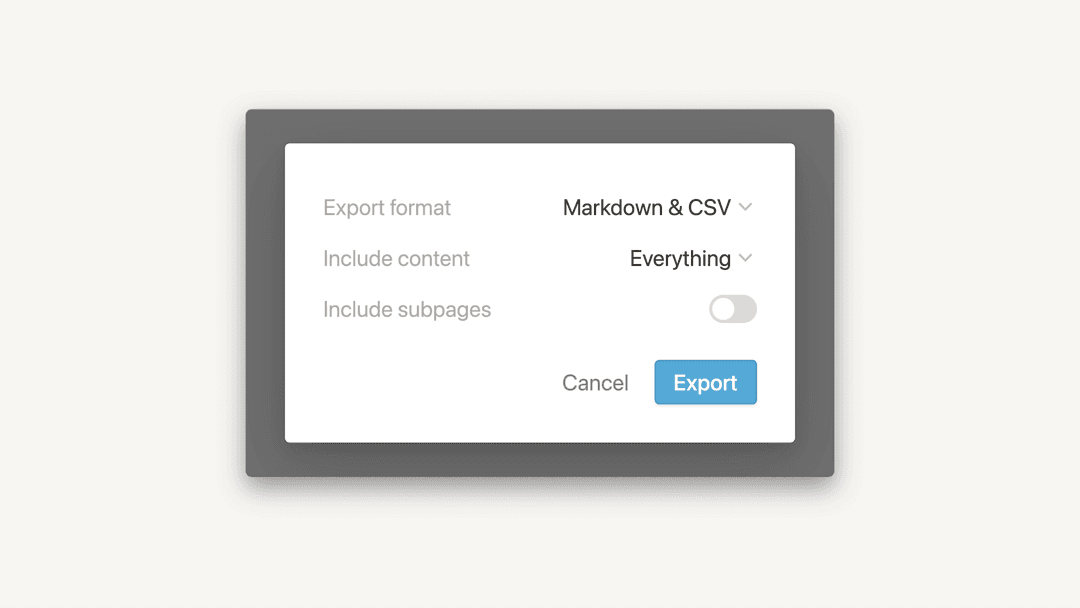
Export your content

Need to share your content in PDF, CSV, or HTML format? We got you covered! You can export a Notion page, database, or entire workspace at any time 📤

Back up your data

Your data is safe in Notion. Everything is stored in the cloud, and we keep per-minute backups of your page content on our server. That said, your data belongs to you, so we've made it easy to create your own backups and keep your information portable 💿

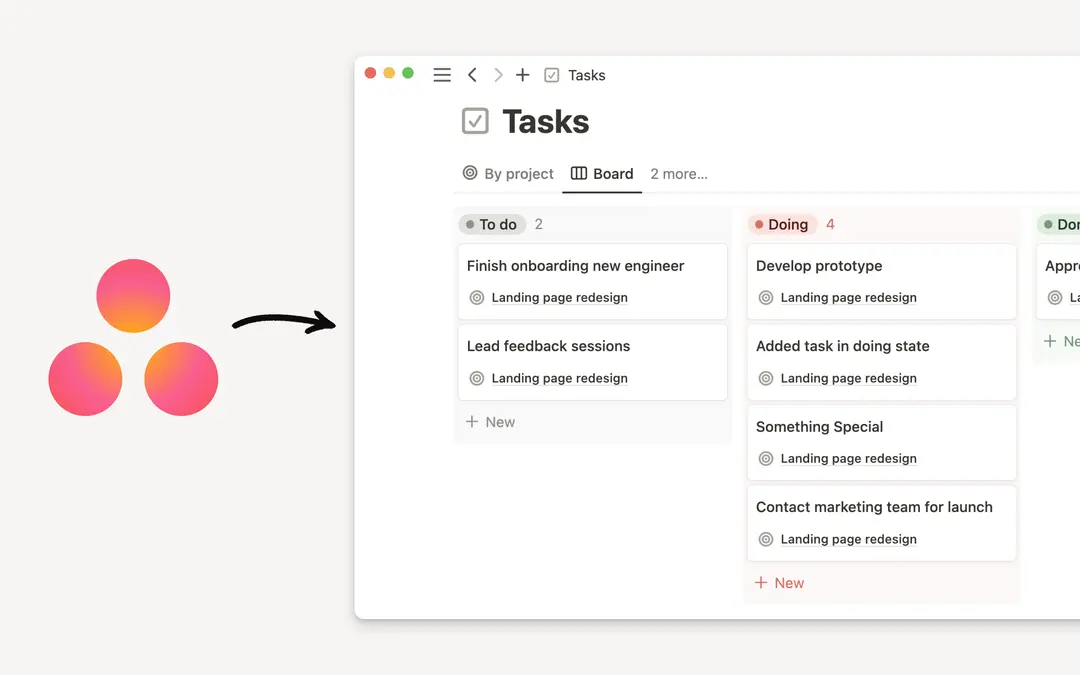
Import from Asana

Easily import all of your Asana projects and tasks directly into Notion 📥

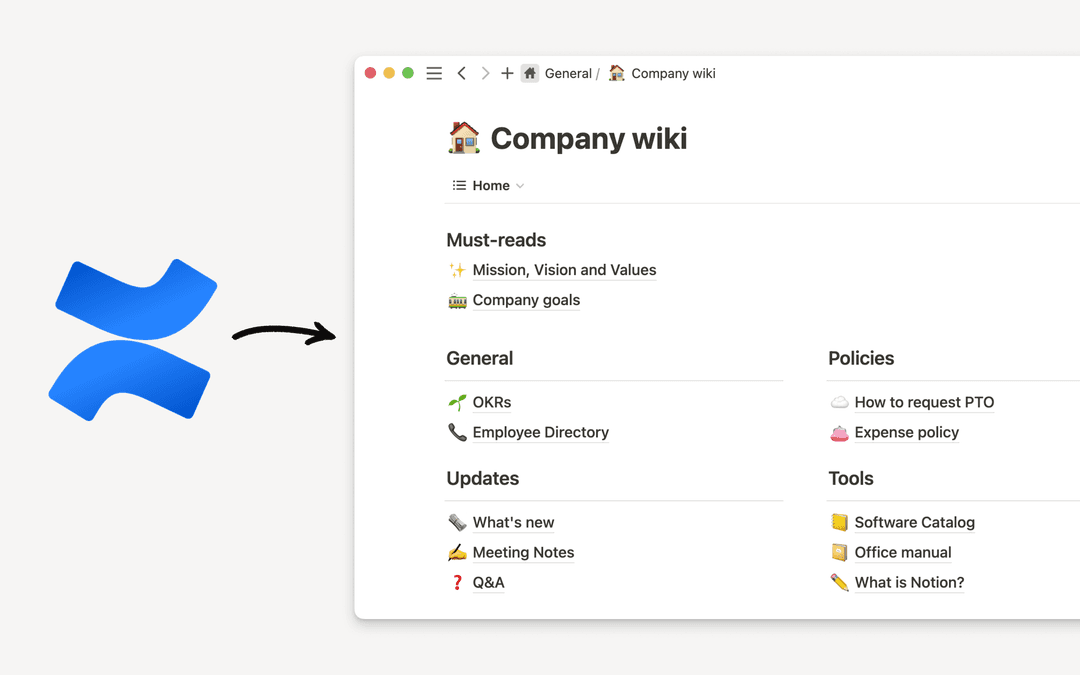
Import from Confluence

Import your Confluence data right into Notion 📥

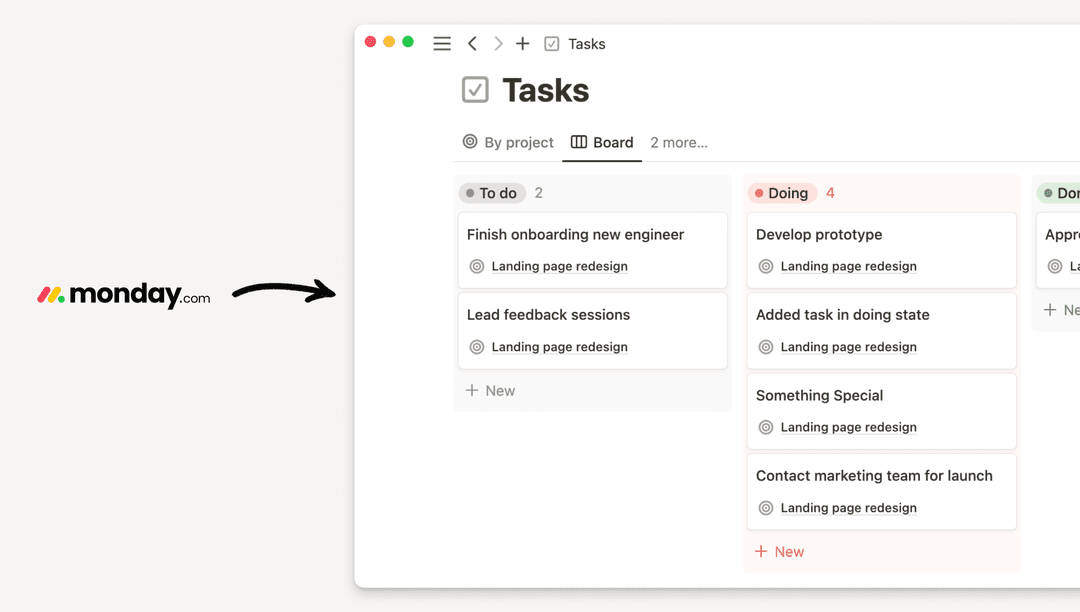
Import from Monday.com

Easily import your data from Monday into Notion 📥


Still have questions?

👋

Join our community

Find any answer

💼

Hire a certified consultant

Find an expert for your needs

Help Center Contact Illustration
  • Help docs
      • Start here
      • Intro to workspaces
      • What is a block?
      • Create a page
      • Create a subpage
      • What is a database?
      • Create a database
      • Start with a template
      • Share your work
      • Collaborate with people
      • Badges & certifications
      • See all
      • Navigate with the sidebar
      • Manage your Library
      • Search in your workspace
      • Home & My tasks
      • See all
      • Create, join & leave workspaces
      • Workspace settings
      • Create, join & leave teamspaces
      • Workspaces on mobile
      • Delete a workspace
      • See all
      • Account settings & preferences
      • Notification settings
      • Two-step verification
      • HIPAA configuration
      • Data access consent
      • Delete your account
      • Change your language
      • Manage your Mail & Calendar settings
      • Secondary emails
      • Passkeys
      • Notion Faces
      • Log in & out
      • See all
      • Intro to writing & editing
      • Format your page
      • Style & customize your page
      • Images, files & media
      • Links & backlinks
      • Wikis & verified pages
      • Move & duplicate content
      • Delete and restore content
      • Synced blocks
      • Code blocks
      • Math equations
      • Keyboard shortcuts
      • Use pages offline
      • Archive pages
      • Presentation mode
      • Duplicate public pages
      • See all
      • Intro to databases
      • Intro to formulas
      • Formula syntax & functions
      • Database properties
      • Relations & rollups
      • Database settings
      • Database templates
      • Sub-items & dependencies
      • Task databases & sprints
      • Data sources
      • Optimize database load times & performance
      • Unique ID
      • See all
      • Views, filters, sorts & groups
      • Table view
      • Board view
      • Timeline view
      • Calendar view
      • List view
      • Dashboards view
      • Gallery view
      • Chart view
      • Forms
      • Map view
      • Feed view
      • Layouts
      • See all
      • Sharing and permissions
      • Manage members & guests
      • Collaborate in a workspace
      • Inbox & notifications
      • Comments & mentions
      • Reminders
      • Suggested edits
      • Page analytics
      • Intro to teamspaces
      • Create & manage groups
      • Who’s who in a workspace
      • People profiles
      • People Directory
      • See all
      • Publish a Notion Site
      • Edit & customize your Notion Sites
      • Manage your Notion Sites
      • Connect a custom domain with Notion Sites
      • Notion Sites availability & pricing
      • See all
      • Import data into Notion
      • Export your content
      • Back up your data
      • Import from Asana
      • Import from Confluence
      • Import from Monday.com
      • See all
      • Embeds, bookmarks & link mentions
      • Add & manage connections
      • Notion API connections
      • Link previews
      • Synced databases
      • Connected properties
      • Connect GitHub
      • Integrate Slack
      • Connect Jira
      • See all
      • Buttons
      • Database buttons
      • Database automations
      • Webhook actions
      • See all
      • What is Notion AI?
      • Notion AI for databases
      • Notion Agent
      • AI Meeting Notes (beta)
      • Enterprise Search
      • Notion MCP
      • Instructions for Notion Agent
      • Skills for Notion Agent
      • Create & edit images with Notion AI
      • Research Mode
      • Review & approve plans before Notion AI runs
      • See all
      • Notion AI Connectors
      • GitHub AI Connector
      • Google Drive AI Connector
      • Linear AI Connector
      • Jira AI Connector (beta)
      • Microsoft Teams AI Connector
      • Microsoft SharePoint & OneDrive AI Connector
      • Slack AI Connector
      • Box AI Connector
      • Salesforce AI Connector (beta)
      • Asana AI Connector
      • Notion Mail AI Connector (beta)
      • Notion Calendar AI Connector (beta)
      • Microsoft Outlook AI Connector
      • Google Calendar AI Connector
      • Gmail AI Connector
      • See all
      • Custom Agents
      • Best practices for creating and optimising a Custom Agent
      • Buy & track Notion credits for Custom Agents
      • MCP connections for Custom Agents
      • Connect Mail to Custom Agents
      • Mobile Custom Agents
      • Connect Calendar to Custom Agents
      • Custom Agents Sharing and Permissions
      • See all
      • SAML SSO
      • Set up Identity Provider (IdP) for SAML SSO
      • Manage your Enterprise workspace
      • Domain management
      • Provision users & groups with SCIM
      • Set up Identity Provider (IdP) for SCIM
      • Content search
      • Transfer content from a deprovisioned user
      • Audit log
      • Workspace analytics
      • Add security & compliance connections
      • Enterprise connection settings
      • Managed users
      • Custom data retention settings
      • Deploy Notion for macOS
      • Organization level controls
      • Deploy Notion for Windows
      • IP address restrictions
      • Set up Microsoft Intune with Notion (iOS and Android)
      • Legal holds
      • Manage teamspaces
      • Network control
      • See all
      • Security practices
      • Privacy practices
      • GDPR at Notion
      • Custom Agents’ security features
      • Security best practices for Agent connections
      • Notion IP addresses & domains
      • Data accessible by your workspace owner
      • Report inappropriate content
      • Dormant account policy
      • How Notion 3.0 protects against prompt injection risks
      • Data residency for Notion
      • Shared Responsibilities Model
      • How to protect yourself from malvertising
      • See all
      • Notion’s commitment to AI safety
      • Notion AI security & privacy practices
      • Enterprise Search security & privacy practices
      • Notion AI complimentary responses
      • See all
      • Notion for desktop
      • Notion for web
      • Notion for mobile
      • System requirements for Notion
      • Notion beta program
      • Mobile widgets
      • Web Clipper
      • Notion New Tab extension
      • See all
      • Get started with Notion Mail
      • Navigate your inbox
      • Compose an email
      • Views, groups, filters & properties
      • Schedule meetings with Notion Mail
      • Use Notion AI with Notion Mail
      • Notion Mail settings
      • Customize notifications in Notion Mail
      • Notion Mail keyboard shortcuts
      • Notion Mail security practices
      • Notion Mail for mobile
      • See all
      • Create a Notion Calendar account
      • Manage your calendars & events
      • Scheduling & availability
      • Blocking
      • Time zones
      • Manage your linked Notion account
      • Notion Calendar settings
      • Notion Calendar connections & API
      • Use Notion Calendar with Notion
      • Notion Calendar for teams
      • Notion Calendar keyboard shortcuts
      • Notion Calendar apps
      • Notion Calendar security practices
      • See all
      • Finding templates on Marketplace
      • Selling templates on Marketplace
      • Getting featured in Marketplace
      • Marketplace guidelines & terms
      • Template localization on Marketplace
      • Finding services on Marketplace
      • Offering services on Marketplace
      • Become a Notion Solutions Partner
      • See all
      • Change your plan
      • Billing
      • How adding & removing members impacts billing
      • Invoices
      • Payment methods
      • Refunds
      • Notion for education
      • Notion for startups
      • Notion for creators
      • Paid plan trials
      • Understanding block usage
      • What happens when I downgrade my plan?
      • Sales tax
      • Can’t upgrade to the Plus Plan for students and educators
      • See all
      • Reset Notion
      • I can't log in
      • Common formula errors
      • I can’t access Notion
      • I can't access my own page
      • I can’t upload or view a file
      • Common Notion errors
      • Record HAR files for troubleshooting
      • Can’t log into Notion Mail
      • Common Jira Sync issues
      • See all
      • What is the Notion Developer Platform?
      • Run custom code with Workers (beta)
      • Use Notion from your terminal with Notion CLI (beta)
      • Understand pricing for Workers (beta)
      • See all
  • Guides
      • Notion AI
      • Documentation
      • Notes
      • Project management
      • Wiki
      • Product
      • Engineering
      • Design
      • HR & people
      • Marketing
      • Personal
      • Enterprise
      • Startup
      • Demo
      • Template gallery
      • Automations
  • Grow with Notion

  • Notion Academy
  • API

  • Create integrations
  • Support

  • Join our community
  • Find a consultant

  • English (US)
  • Bahasa Indonesia
  • Dansk
  • Deutsch
  • English (UK)
  • Español (España)
  • Español (Latinoamérica)
  • Français (France)
  • Italiano
  • Nederlands
  • Norsk
  • Português (Brasil)
  • Suomi
  • Svenska
  • Tiếng Việt
  • עברית
  • العربية
  • ภาษาไทย
  • 한국어
  • 日本語
  • 简体中文
  • 繁體中文
© 2026 Notion Labs, Inc.
  • Company
  • About us
  • Careers
  • Security
  • Status
  • Terms & Privacy
  • Your privacy rights
  • Download
  • iOS and Android
  • Mac and Windows
  • Mail
  • Calendar
  • Web clipper
  • Resources
  • Help centre
  • Pricing
  • Blog
  • Community
  • Connections
  • Templates
  • Partner programmes
  • Notion for
  • Enterprise
  • Small business
  • Personal
  • Explore more→